
Updating your Tagmin Profile
Edited
Your profile section is used to update personal data such as contact details, measurements and appearance data as well as skills and legal / financial data. You can also change your password in this section by clicking the button below:
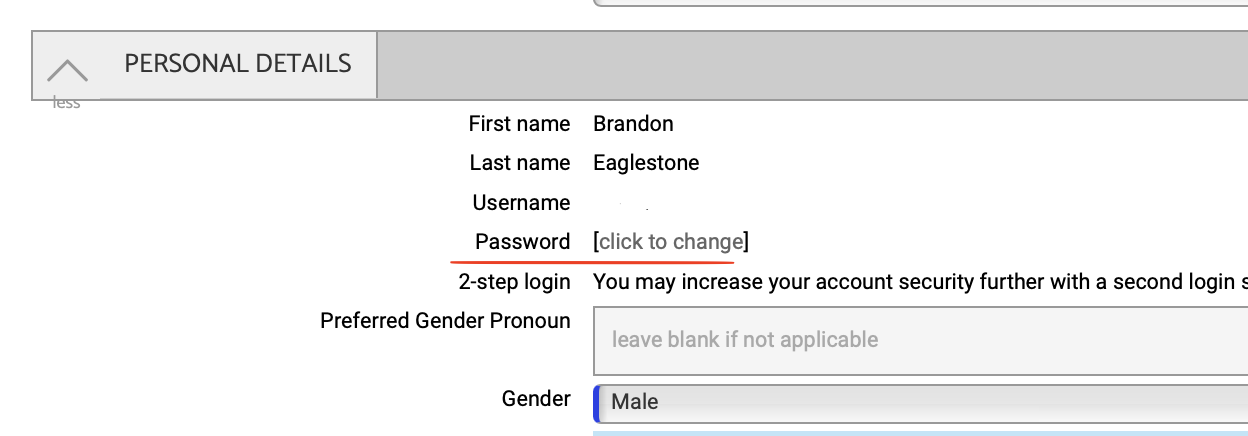
When you click out of a field it will flash green and your changes will be saved. When a field flashes green it is simultaneously updated in your agents' Tagmin database.
Tip: if a field is not relevant to you, just leave it blank. Do not add 'n/a' or '/' or '-' etc. Doing will result in your account not operating as it should at your agents side. If you trade under a limited company please fill in the company name in the 'loanout company' field.
Was this article helpful?
Sorry about that! Care to tell us more?