Update Agency CVs
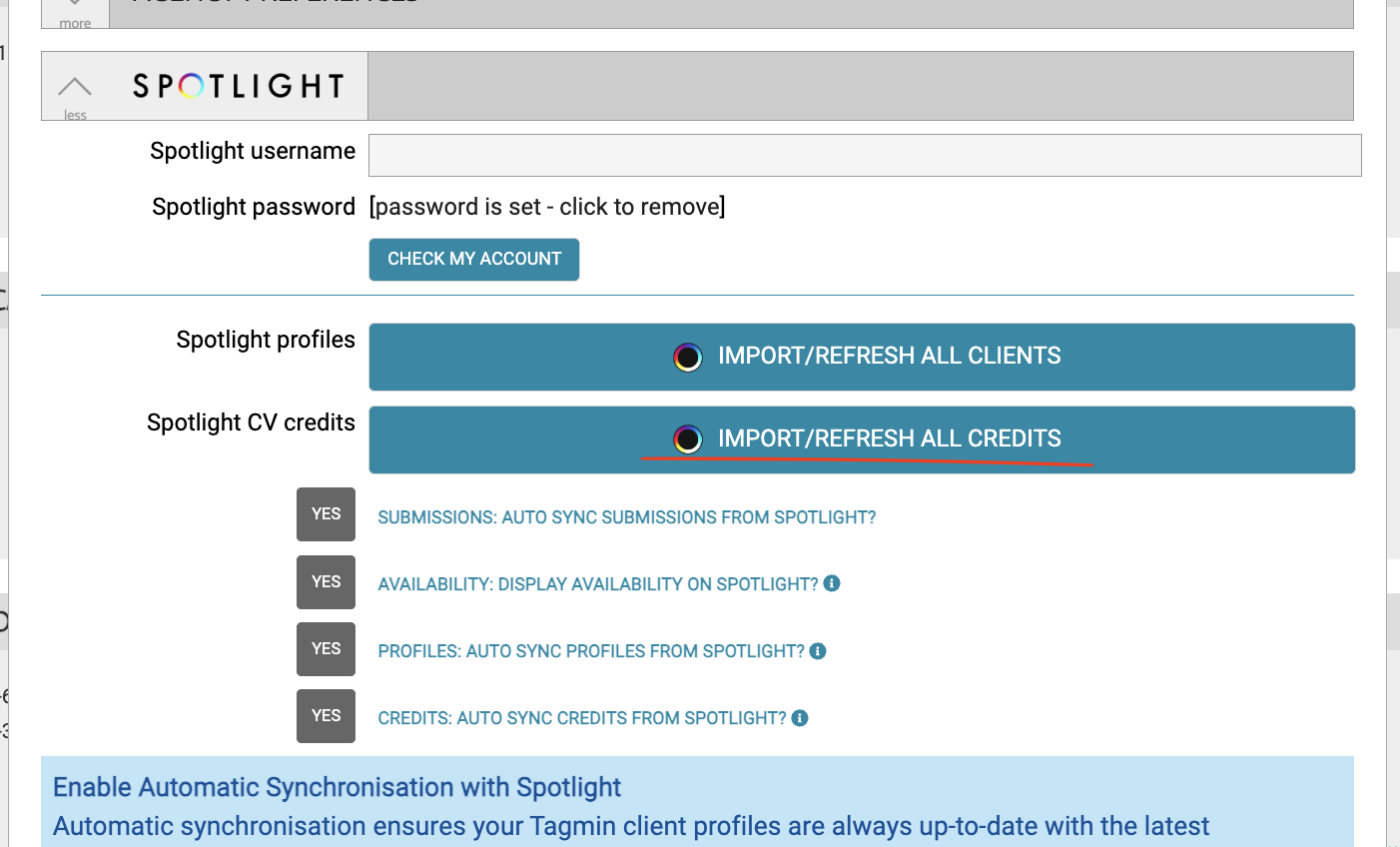
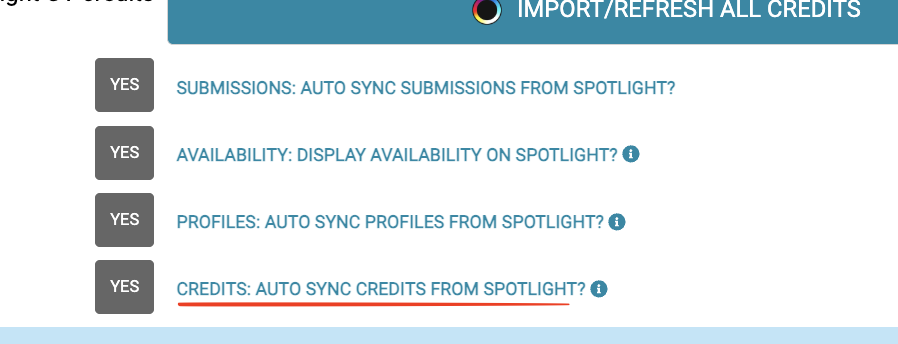
Clients who are also on Spotlight will have their CVs automatically updated as and when changes are made on the talents Spotlight profile. This includes head-sheet changes, credit additions and headshot changes. If you wish to disable this automatic feature please find this setting under Spotlight -> Preferences.
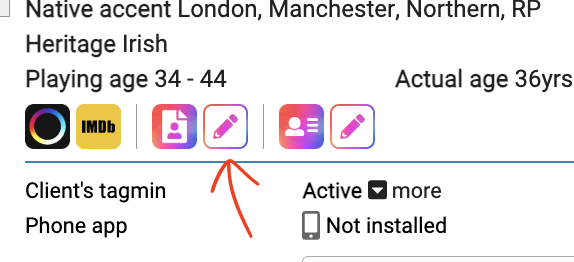
If you wish to manually update a client CV, this can be done by clicking the pencil button located on the respective client’s profile:
You can add new credits by clicking the add credits button:
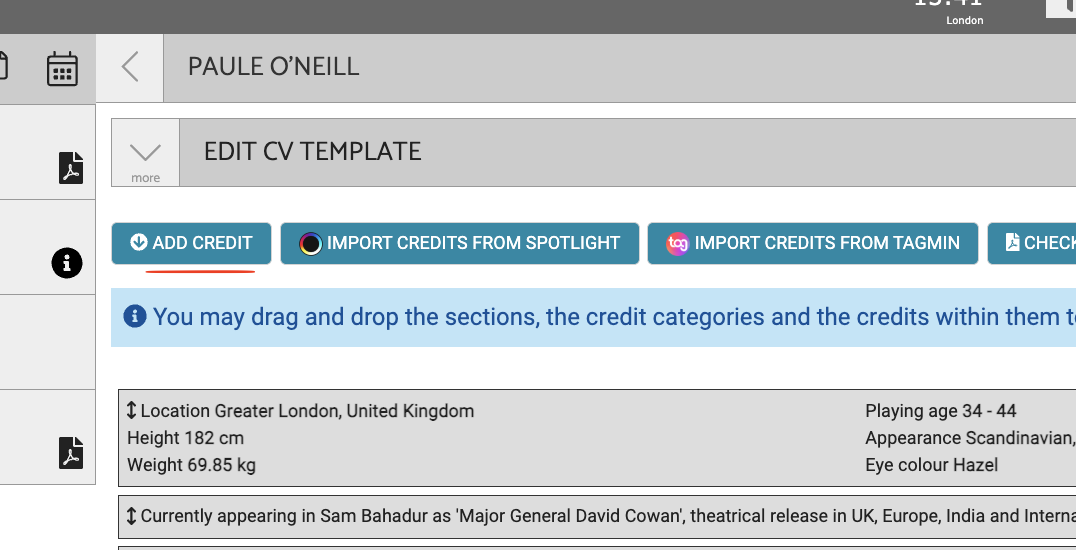
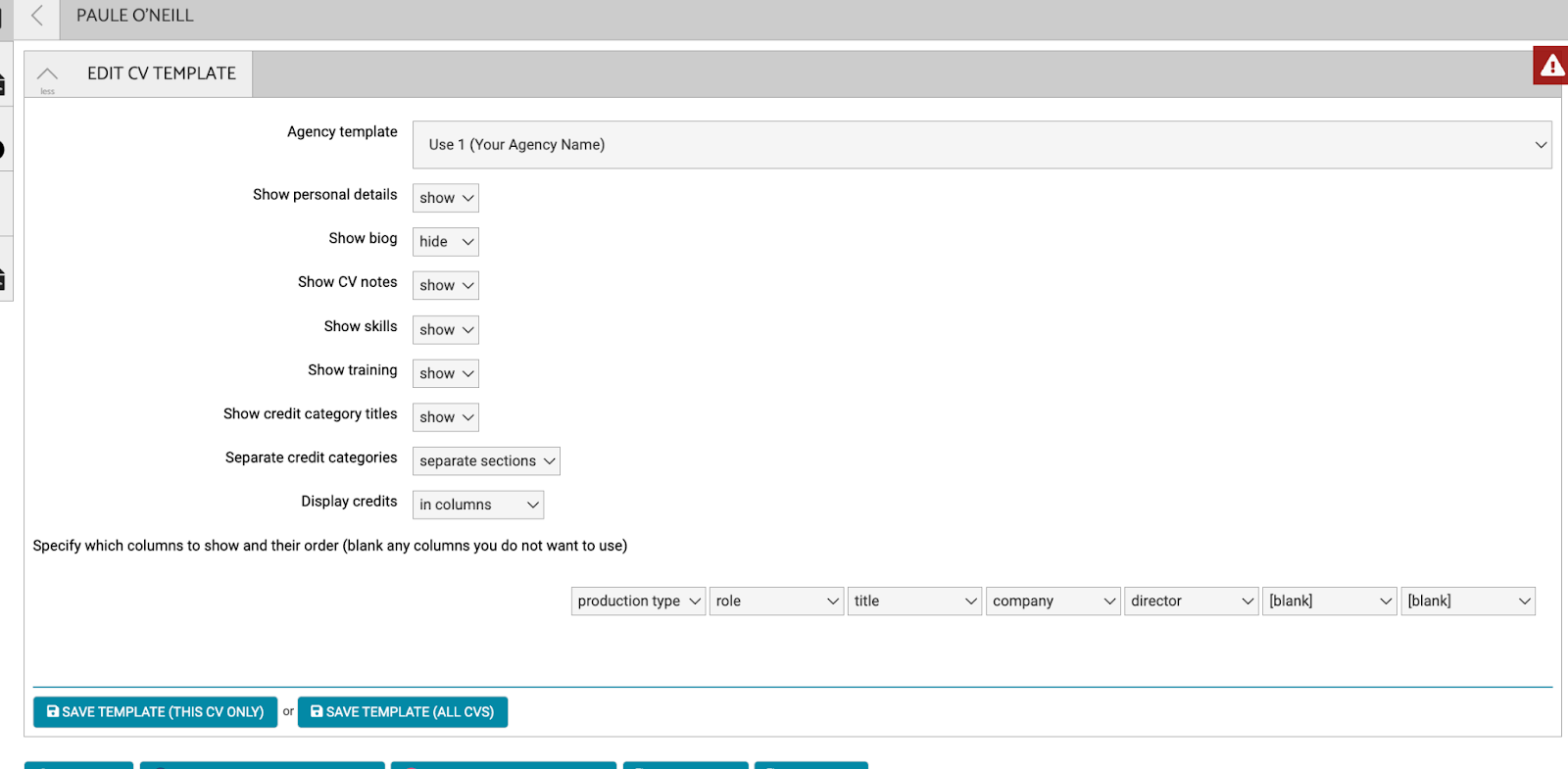
Or hide CV options by clicking the edit cv template button:
Troubleshooting
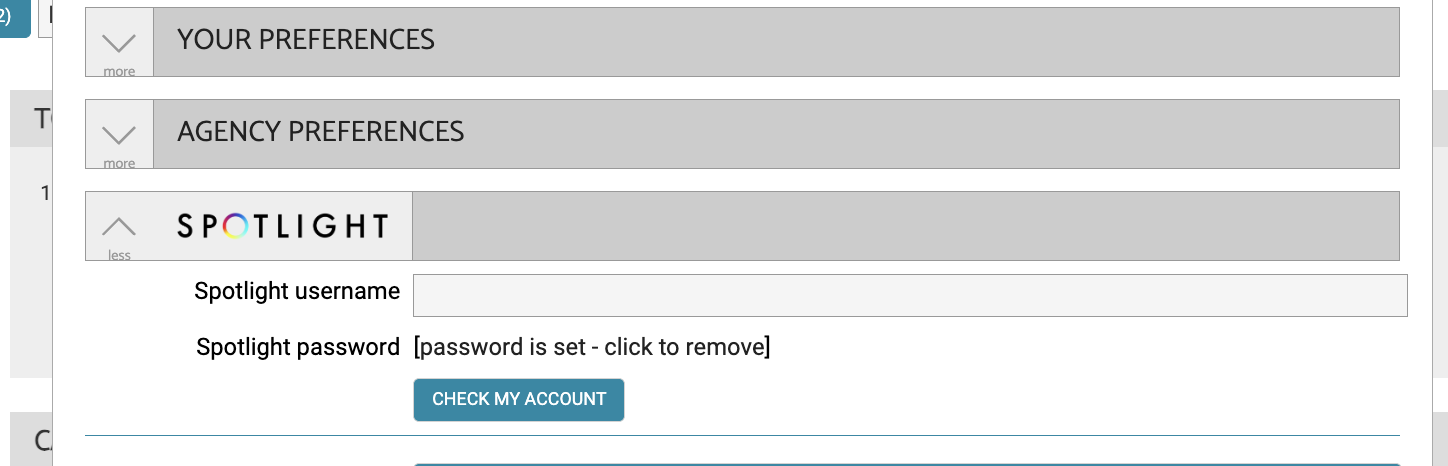
Should you find there are missing credits that should have been updated automatically from Spotlight, you may wish to check your spotlight credentials are correct; found in Spotlight -> Preferences. You can click the button depicted below to check if those details are correct.
Gaps may occur if these details were incorrect for some time; you can bulk import any missing talent using the import credits button depicted below; simply wait for the import to complete, and those missing clients should feed through along with any missed updates for your existing clients.