
Representatives: How do I manage the new profile updates for my talent?
This article provides an overview for talent representatives on how to navigate and utilize the latest profile enhancements, including display modes, pronoun settings, and updated media and skills sections. We want to ensure you can efficiently manage your talent's presentation to casting directors with these new tools.
ARTICLE CONTENTS
Appearance Settings
How do I switch between Dark and Light mode?
You can now easily toggle your viewing experience between dark and light mode. Here is how it works:
Select your preferred mode via the toggle switch in your account settings.
The system defaults to dark mode, but once you make a change, your preference is saved.
The next time you log in, the platform will automatically load your chosen mode.
Pronouns and Name Pronunciation
We’ve introduced an optional field to help casting directors address your talent correctly. This information appears right next to the talent's name on their individual profile page.
This field is completely optional; if left blank, nothing will display on the profile.
Information is visible to casting directors but is not a searchable or filterable data point.
The field has a character limit of 50–100 characters.
This data only appears on the individual profile page and is not displayed in search results or other areas of the platform.
Highlights Section
The "About Me" section is now called Highlights. It is designed to showcase reviews, awards, and current productions. On the public-facing profile, the first 400 characters are displayed. If the text is longer, a More button will appear for casting directors to read the rest.
*Note that the section title "Highlights" no longer appears on the front-facing display to keep the look clean.
Credits Section
The "Credits" section now displays each heading as an individual sections for clearer understanding.
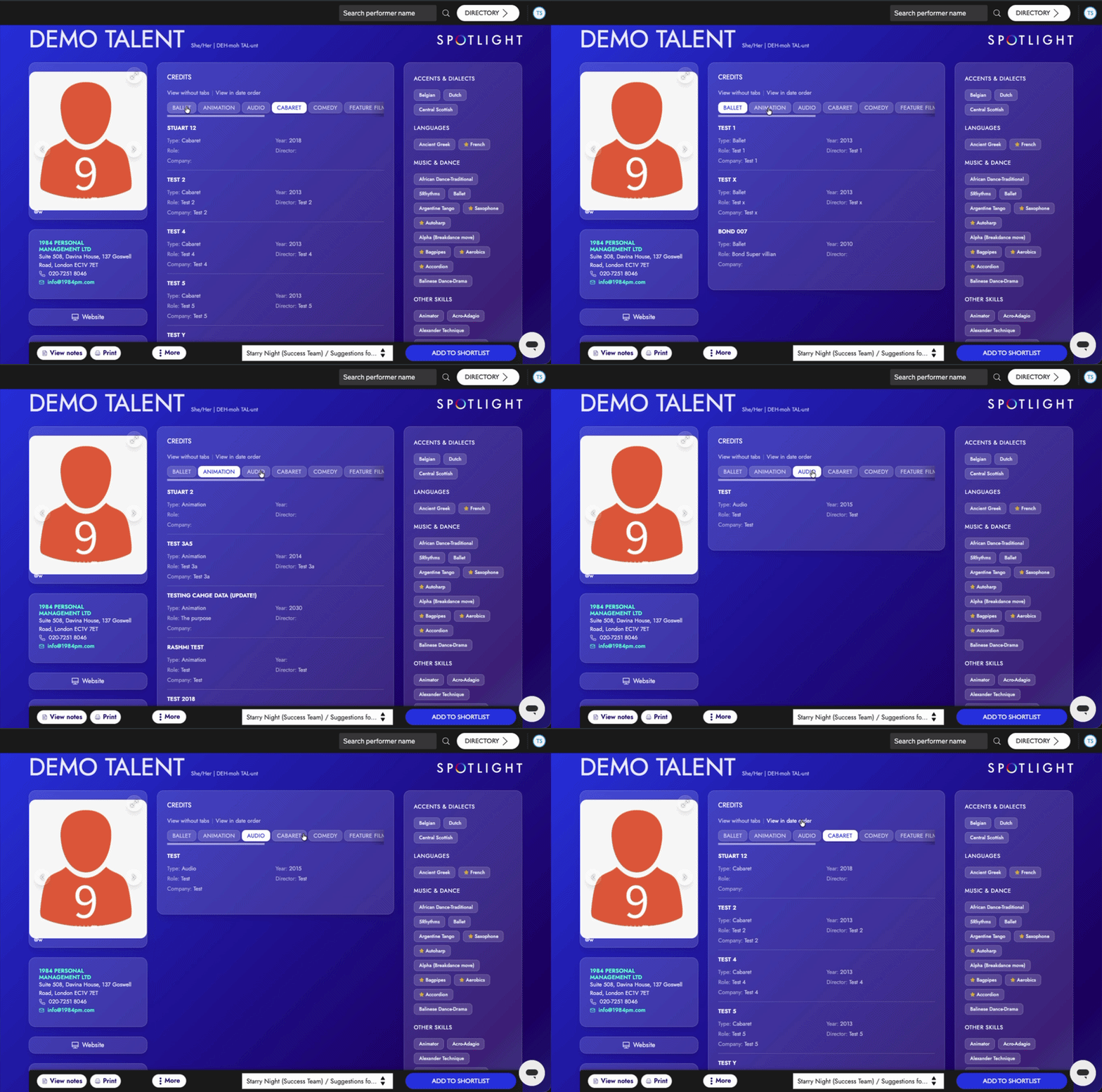
Media Section Updates
The media section has been refreshed to create a more seamless experience for casting directors viewing your talent's work.
Photos
Photos now scroll through without automatically opening a full-screen overlay.
To see a larger version, simply click the image to expand it.
A small gallery view is now visible underneath the main photo for easier navigation.
While main headshots stretch to fill the available space, all other photos maintain their original aspect ratios.
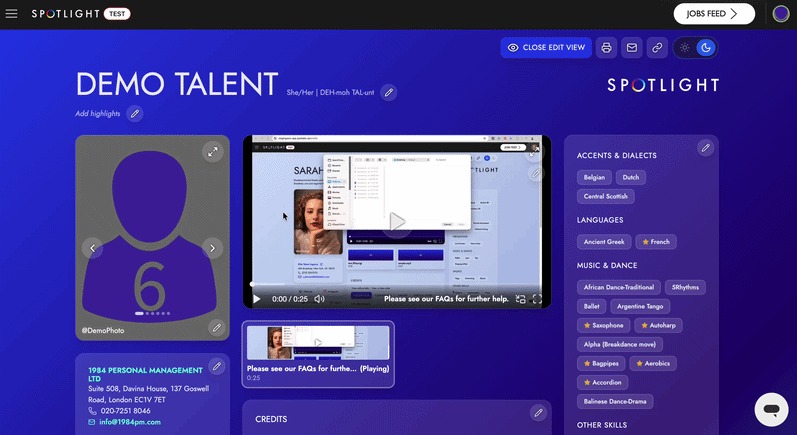
Videos and Audio
Videos and audio clips are now grouped into one unified media section.
The first six clips are displayed prominently, with a Show More option available for additional media.
Media will continue to play even as a user scrolls through the rest of the profile.
Casting directors can utilize a grid view (3x3x2 layout), full-screen mode, picture-in-picture, and volume controls, allowing for more options to cater to each viewers preference.
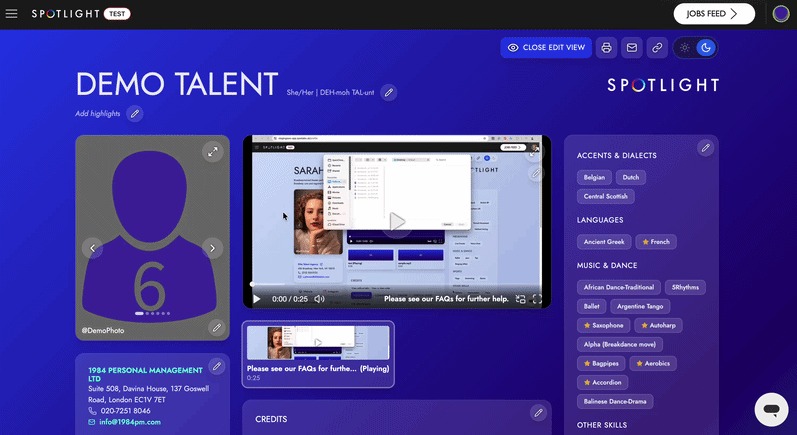
Skills Section
While the actual skill data remains the same, the visual layout has been updated for better clarity.
Skills are now displayed as clean labels.
A star symbol next to a skill indicates a high level of proficiency or native ability.